
ComfyUI
Overview
You can use NanoStudio models directly within ComfyUI by using our custom node. This allows you to integrate Nano Banana and Nano Banana Pro models into your local workflows.
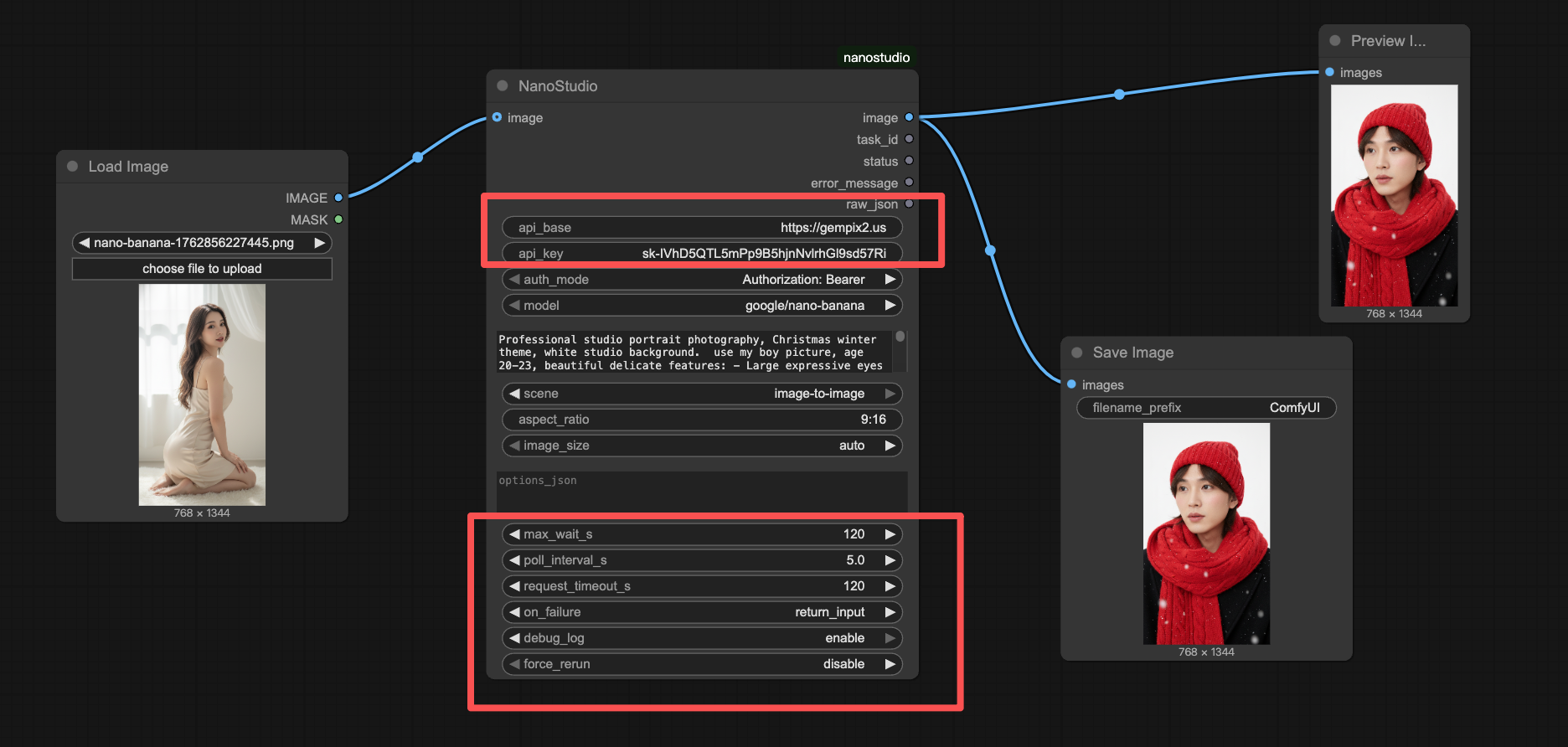
Installation
Mac Users
If you are using the ComfyUI.app on macOS, place the nanostudio.py file in the following directory:
/Applications/ComfyUI.app/Contents/Resources/ComfyUI/custom_nodes/General Installation
For other installations, simply copy nanostudio.py into your custom_nodes folder within your ComfyUI directory.
Custom Node Code
You can download the nanostudio.py file or copy the code below.
import base64
import json
import os
import re
import time
from io import BytesIO
from http.client import IncompleteRead
from urllib.error import HTTPError, URLError
from urllib.parse import urljoin, urlparse
from urllib.request import Request, urlopen

import numpy as np
import torch
from PIL import Image


def _log(msg: str):
    ts = time.strftime("%Y-%m-%d %H:%M:%S")
    print(f"[NanoStudio {ts}] {msg}", flush=True)

# ... (rest of the code is available in the download)
Note: For the full implementation, please download the file using the link above.